NinjaAssurance logo NinjaAssurance
Download

Ready to add a safety net?

Install NinjaAssurance, set your first check-in, and let the app quietly watch out for you – and for the people and pets who depend on you.

If the button doesn't open Google Play automatically, open the Google Play app on your phone and search for “NinjaAssurance auto check-ins”.

Three simple steps from install to reassurance.

1

Choose language & set profile

On first launch, pick your language, accept the terms, and set up your profile. This language is used for all alerts and SMS.

2

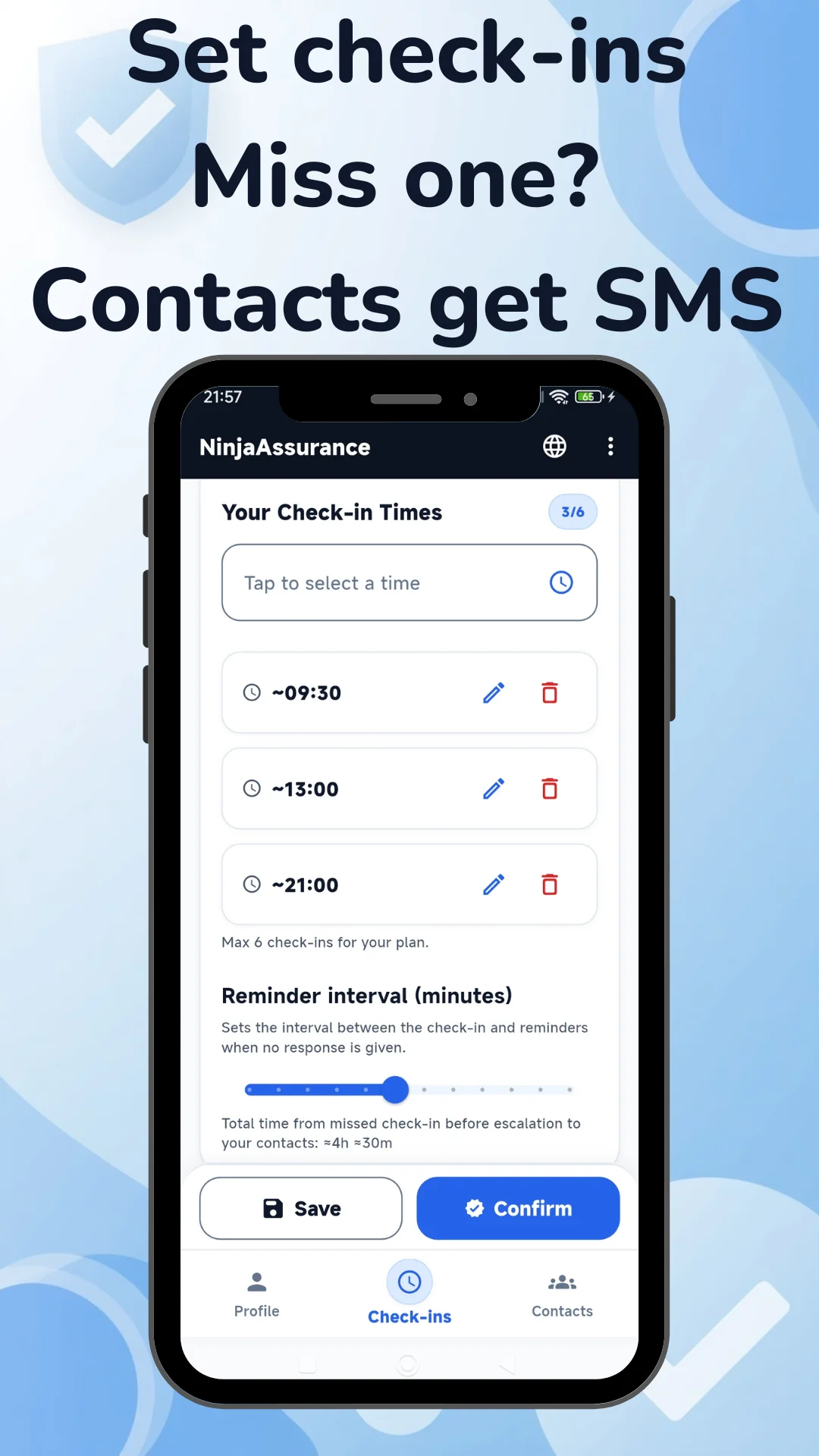
Set check-ins & reminders

Add check-in times and choose reminder intervals (15–180 minutes). Times are handled in your local timezone, wherever you travel.

3

Confirm – or we escalate

If you confirm on time, you’re all set. If you miss two reminders, NinjaAssurance automatically sends SMS alerts to your trusted contacts.